Google Ads
Google Ads Setup Guide for Beginners (Step-by-Step 2026)

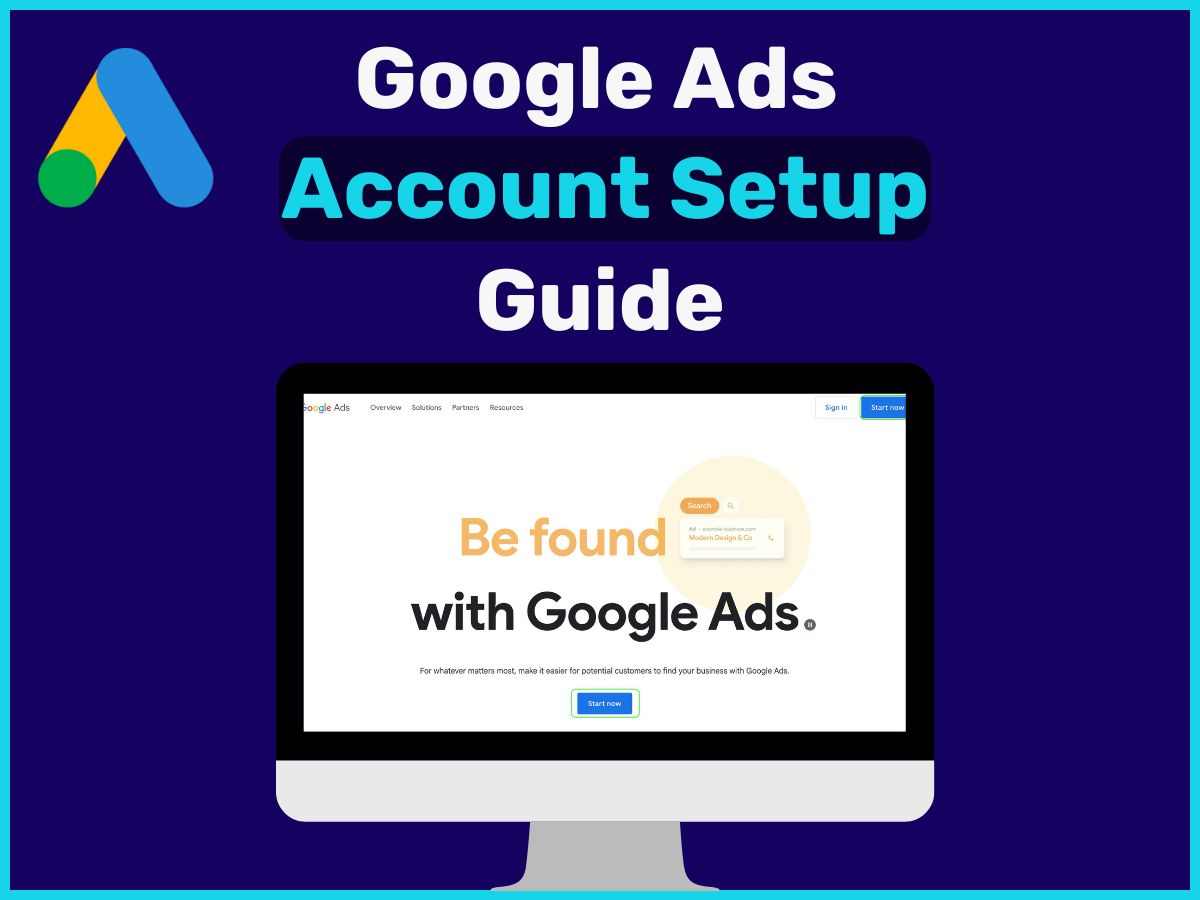
Category: Google Ads
Running Google Ads can be one of the fastest ways to generate leads and sales — but only if it’s set up correctly.
Most beginners waste money because they skip the fundamentals.
In this step-by-step guide, you’ll learn exactly how to set up Google Ads the right way.
If you want faster results, working with a professional
Google Ads agency
can help you avoid costly mistakes and scale faster.
🚀 Step 1: Define Your Goal
Before creating campaigns, you must decide:
- Do you want leads?
- Sales?
- Website traffic?
👉 Your goal determines your entire strategy.
For most businesses, the best goal is Lead Generation or Sales.
🎯 Step 2: Keyword Research
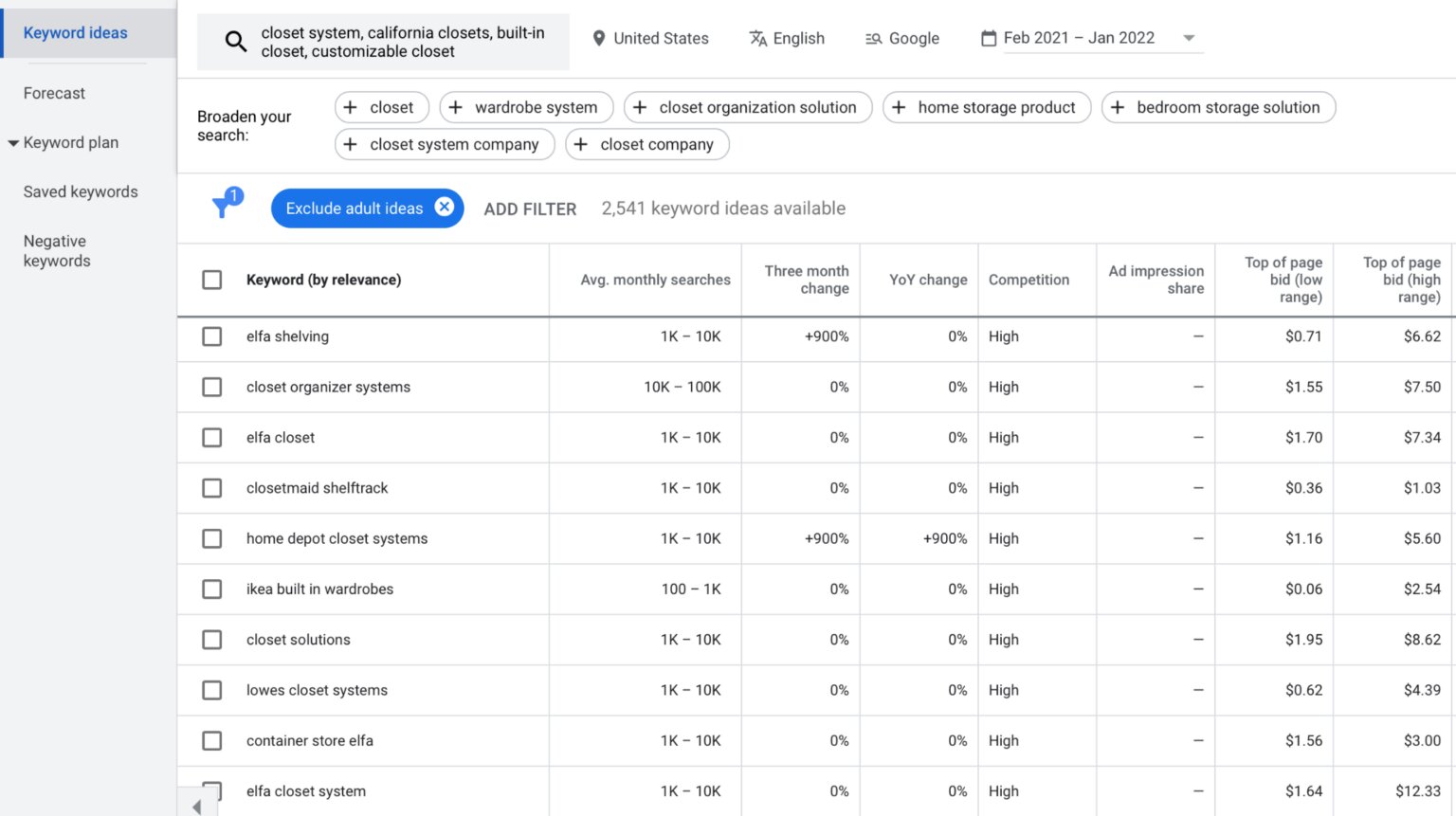
Keywords decide who sees your ads.
Focus on high-intent keywords:
- "hire google ads expert"
- "google ads agency near me"
- "buy product online"
Avoid:
- Broad terms like “marketing”
- Informational queries
👉 If your keywords are wrong, your ads will fail.
👉 Read this: Why Google Ads Don’t Convert
🧱 Step 3: Campaign Structure
A clean structure improves performance.
Recommended setup:
- 1 Campaign = 1 Goal
- 3–5 Ad Groups per campaign
- Closely related keywords per group
Example:
Campaign: Lead Generation
→ Ad Group 1: Google Ads Services
→ Ad Group 2: PPC Agency
→ Ad Group 3: Paid Ads Expert
✍️ Step 4: Write High-Converting Ads
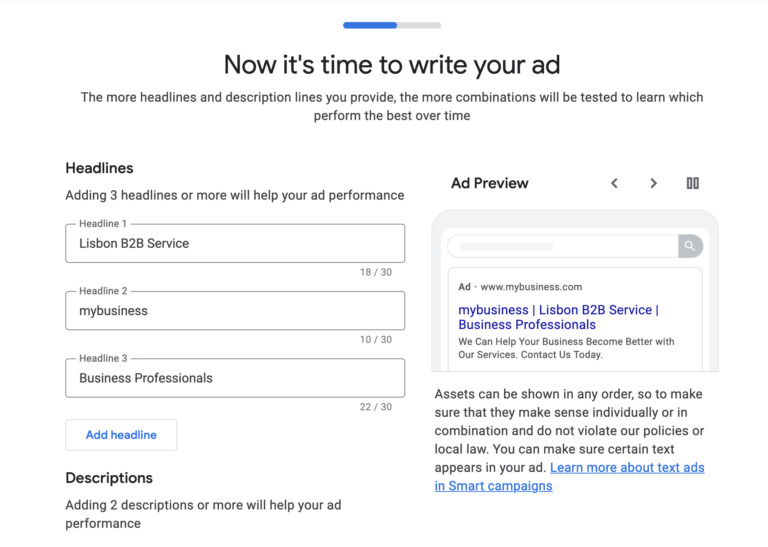
Your ad copy must match user intent.
Include:
- Clear headline
- Benefits (not features)
- CTA (Call Now, Book Free Call)
Example:
❌ “We offer marketing services”
✅ “Get More Leads with Google Ads – Book Free Strategy Call”
🧲 Step 5: Create a High-Converting Landing Page
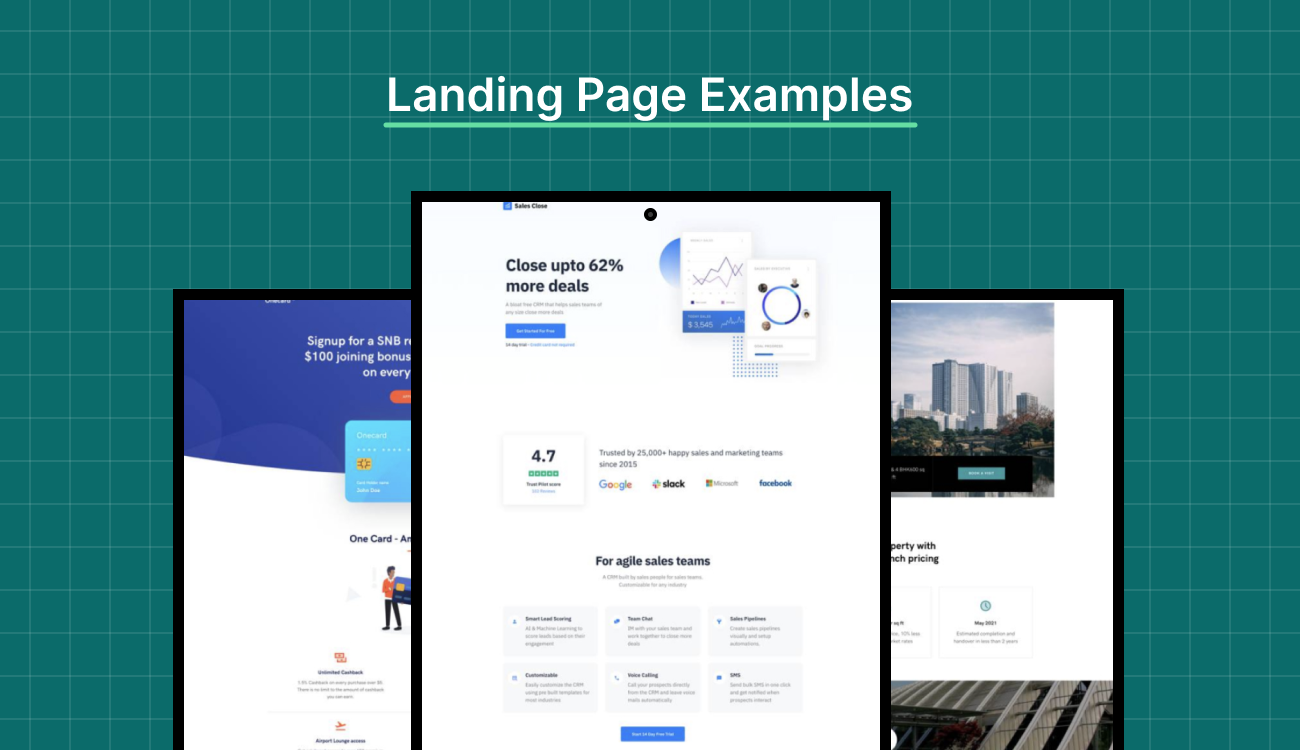
Sending traffic to your homepage is a mistake.
Your landing page should have:
- Clear headline
- Strong offer
- Trust proof (testimonials, results)
- Simple form or CTA
👉 A bad landing page = wasted ad spend
📊 Step 6: Set Up Conversion Tracking
This is where most businesses fail.
If you don’t track conversions:
- You don’t know what’s working
- You can’t optimize campaigns
Track:
- Form submissions
- Calls
- Purchases
👉 Get it done properly here:
Conversion Tracking Setup
💰 Step 7: Budget & Bidding Strategy
Start simple.
Recommended:
- Start with ₹1000–₹3000/day (or equivalent)
- Use “Maximize Conversions”
Avoid:
- Overcomplicating bidding early
- Scaling too fast
🔄 Step 8: Optimize Regularly
Google Ads is NOT set-and-forget.
Weekly tasks:
- Pause bad keywords
- Improve ad copy
- Adjust bids
- Analyze conversion data
👉 Learn more:
How to Reduce CPC in Google Ads
⚠️ Common Mistakes to Avoid
- No keyword research
- Sending traffic to homepage
- No tracking setup
- Ignoring data
- Poor ad copy
👉 Read full breakdown:
Google Ads Mistakes Guide
🔗 Improve Your Results Faster
👉 Google Ads Management
👉 Meta Ads Services
👉 SEO Services
👉 Conversion Tracking
👉 All Services
👉 Scale With Clicks
🧠 Final Thoughts
Google Ads can generate consistent leads — but only if set up correctly.
Focus on:
- Right keywords
- Strong landing pages
- Proper tracking
- Continuous optimization
Do this right, and you’ll build a scalable growth system.
🚀 Want Expert Help?
If you want to launch profitable campaigns without wasting money:
❓ FAQs
Is Google Ads good for beginners?
Yes, but only if you follow a structured setup and avoid common mistakes.
How much budget do I need?
You can start with a small budget and scale based on performance.
How long does it take to see results?
You can start seeing results within days, but optimization takes weeks.
Do I need a landing page?
Yes. Sending traffic to your homepage reduces conversions.