SEO
How to Rank on Google Fast (Beginner Guide)

Category: SEO
How to Rank on Google Fast (Beginner Guide)
Getting your website on the first page of Google can completely change your business.
Whether you run a local business, an ecommerce store, or a service-based company, ranking on Google means more visibility, more leads, and more sales without paying for every click.
The problem is that most beginners either overcomplicate SEO or follow outdated strategies that no longer work.
If you're wondering how to rank on Google fast, this guide breaks everything down in a practical and beginner-friendly way.
You’ll learn:
- How Google rankings actually work
- The biggest SEO mistakes beginners make
- How to find easy keywords
- How to optimize your content properly
- How to build backlinks safely
- What helps websites rank faster in 2026
If you are completely new to SEO, this guide is the best place to start.
You can also explore our homepage at Scale With Clicks for more digital marketing resources and growth strategies.
How Google Ranking Works
Google’s goal is simple:
It wants to show users the best possible answer for every search query.
When someone searches:
- “best google ads agency”
- “how to get more leads”
- “seo for small business”
Google scans millions of pages and ranks the most relevant and trustworthy results.
To decide rankings, Google looks at factors like:
- Content quality
- Keyword relevance
- Backlinks
- Website speed
- User experience
- Search intent
- Mobile friendliness
- Website authority
The better your website performs in these areas, the higher your chances of ranking.
Step 1: Target Keywords You Can Actually Rank For
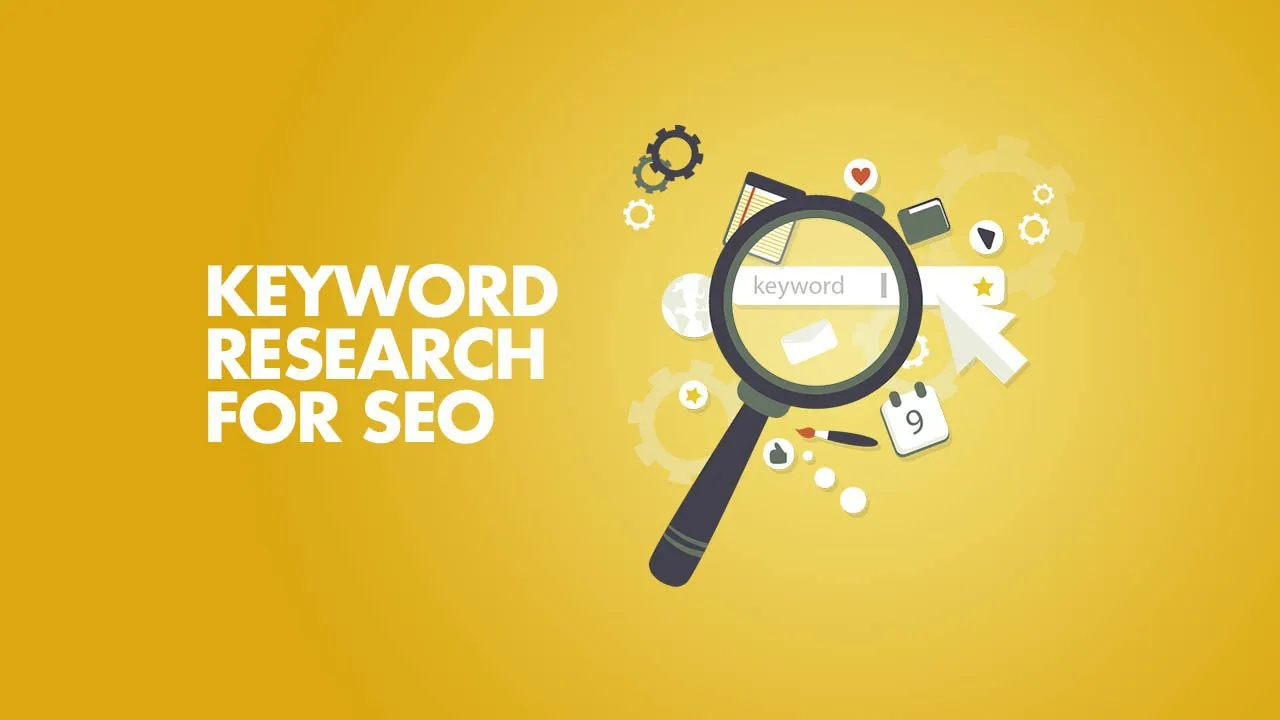
One of the biggest SEO mistakes beginners make is targeting impossible keywords.
For example:
Trying to rank a new website for:
- “SEO”
- “Google Ads”
- “Digital Marketing”
is extremely difficult because huge websites already dominate those results.
Instead, focus on long-tail keywords.
Examples of Beginner-Friendly Keywords
Good keywords:
- how to rank on google fast
- seo tips for beginners
- local seo for small business
- how to get traffic to website
- google ranking factors 2026
- seo vs google ads
- google ads mistakes
These keywords have:
- lower competition
- clearer intent
- faster ranking potential
You should also check our detailed comparison on SEO vs Google Ads if you're deciding between paid traffic and organic SEO.
Step 2: Create High-Quality Content
Content is still the foundation of SEO.
But publishing random articles is not enough anymore.
Google rewards content that is:
- useful
- detailed
- easy to read
- properly structured
- genuinely helpful
What Makes Content Rank Faster?
Your content should:
- Answer the search query clearly
- Include relevant keywords naturally
- Be easy to scan
- Include headings and subheadings
- Use internal links
- Include images
- Stay updated
Instead of writing short 500-word articles, focus on in-depth content that solves real problems.
That’s why long-form guides usually rank better.
Step 3: Understand Search Intent
Search intent is one of the most important ranking factors.
Google wants to show pages that match what users actually want.
For example:
If someone searches:
“how to rank on google fast”
they want:
- actionable steps
- beginner guidance
- SEO strategies
- ranking tips
They do NOT want:
- complicated theory
- technical jargon
- unrelated sales pages
Always match your content to user intent.
Step 4: Optimize Your SEO Title and Meta Description
Your title tag heavily impacts rankings and clicks.
Bad Example
“SEO Guide”
Better Example
“How to Rank on Google Fast (Beginner SEO Guide for 2026)”
Why this works:
- includes primary keyword
- clear benefit
- fresh year
- better click-through rate
Your meta description should also encourage clicks.
Example:
“Learn how to rank on Google fast using beginner-friendly SEO strategies including keyword research, backlinks, content optimization, and technical SEO.”
Step 5: Improve On-Page SEO
On-page SEO helps Google understand your content better.
Important On-Page SEO Elements
Use Proper Headings
Structure your content like this:
- H1 = Main title
- H2 = Main sections
- H3 = Subsections
This improves readability and SEO.
Add Keywords Naturally
Avoid keyword stuffing.
Instead of repeating the same keyword unnaturally, use variations like:
- improve Google rankings
- SEO for beginners
- rank higher on Google
- increase organic traffic
Google now understands context better.
Optimize Images
Every image should include:
- descriptive file name
- alt text
- compressed size
Example:
Bad filename:
IMG123.jpg
Good filename:
how-to-rank-on-google-fast.jpg
Add Internal Links
Internal links help Google understand your website structure.
For example:
If you want to avoid wasting ad spend, check our guide on Google Ads mistakes that waste budget.
You can also explore our performance marketing services to grow your business faster.
Step 6: Make Your Website Fast
Website speed directly affects rankings.
A slow website creates:
- poor user experience
- higher bounce rates
- lower conversions
Ways to Improve Speed
- Compress images
- Use modern image formats
- Avoid unnecessary plugins
- Use clean code
- Enable caching
- Use a CDN
Since your blog is built on Next.js, you already have a strong technical foundation.
Step 7: Make Your Website Mobile Friendly
Most users now browse from mobile devices.
Google also uses mobile-first indexing.
That means Google primarily evaluates the mobile version of your website.
Make sure your site:
- loads properly on phones
- has readable text
- uses responsive design
- has clickable buttons
- avoids layout shifts
Step 8: Build Backlinks the Right Way
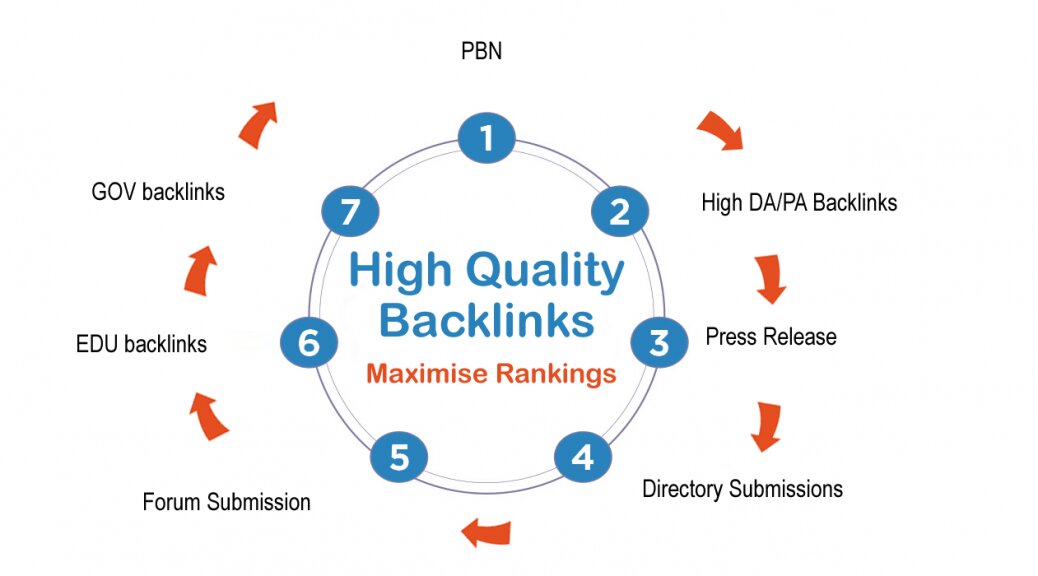
Backlinks are still one of the strongest ranking signals.
When other websites link to your content, Google sees it as a trust signal.
But quality matters far more than quantity.
Good Backlink Sources
- Business directories
- Guest posts
- Niche blogs
- Social profiles
- PR mentions
- Resource pages
Avoid These
- Spam backlinks
- Fiverr link packages
- Automated link tools
- Private blog networks
If you build low-quality backlinks, your rankings can actually drop.
Step 9: Use Local SEO if You Serve Local Clients
If your business targets a specific city or region, local SEO can help you rank much faster.
Local SEO Tips
- Create a Google Business Profile
- Add location pages
- Collect reviews
- Use city keywords
- Add local schema markup
- Build local citations
Example keywords:
- SEO agency in Delhi
- Google Ads expert in Lucknow
- digital marketing services near me
Local SEO is often easier and faster than national SEO.
Step 10: Update Old Content Regularly
Google prefers fresh and updated content.
Instead of constantly publishing new posts, improve your existing articles.
Update:
- statistics
- examples
- screenshots
- links
- SEO optimization
- keyword usage
This can quickly improve rankings without creating new content from scratch.
Step 11: Focus on User Experience
Google tracks how users interact with your site.
If users quickly leave your page, that sends negative signals.
Improve user experience by:
- making content easy to read
- adding spacing
- using visuals
- avoiding intrusive popups
- improving navigation
A clean design increases engagement and rankings.
Common SEO Mistakes Beginners Make
Targeting Extremely Competitive Keywords
New websites should focus on easier keywords first.
Publishing Thin Content
Short, generic articles rarely rank anymore.
Ignoring Technical SEO
Broken pages, slow loading times, and crawl issues hurt rankings.
Keyword Stuffing
Overusing keywords looks spammy and hurts readability.
Not Building Backlinks
Even great content usually needs backlinks to rank competitively.
How Long Does SEO Take?
SEO is not instant.
However, you can still see results relatively fast if you:
- target low competition keywords
- publish quality content
- optimize properly
- build backlinks consistently
Typical timeline:
- 1–2 months → indexing and early impressions
- 3–6 months → traffic growth
- 6–12 months → strong rankings
The earlier you start, the sooner your traffic compounds.
SEO vs Paid Ads: Which Is Better?
SEO provides long-term traffic.
Google Ads provides immediate traffic.
The best strategy is often combining both.
SEO helps reduce long-term acquisition costs.
Google Ads helps generate instant leads while SEO grows.
If you're struggling with ad performance, read our guide on 7 Costly Google Ads Mistakes That Are Wasting Your Budget.
Final Thoughts
Ranking on Google fast is possible, even for beginners.
But it requires consistency and the right strategy.
Focus on:
- easy keywords
- helpful content
- good website structure
- backlinks
- user experience
- technical SEO
Avoid shortcuts and spam tactics.
SEO compounds over time, and once your pages start ranking, the traffic becomes one of the most valuable assets for your business.
If you want help growing your traffic, leads, and conversions, visit Scale With Clicks to explore our digital marketing and performance marketing services.
SEO takes effort, but the long-term rewards are worth it.