Digital Marketing
What Is Google Tag Manager and Why Your Business Needs It

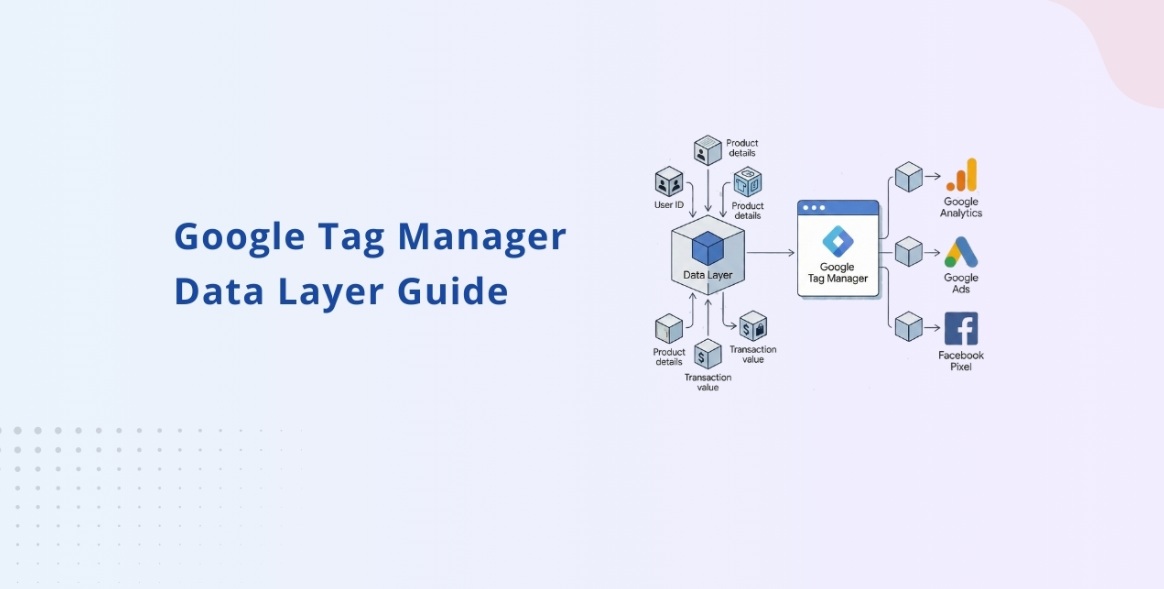
Category: Digital Marketing
What Is Google Tag Manager and Why Your Business Needs It
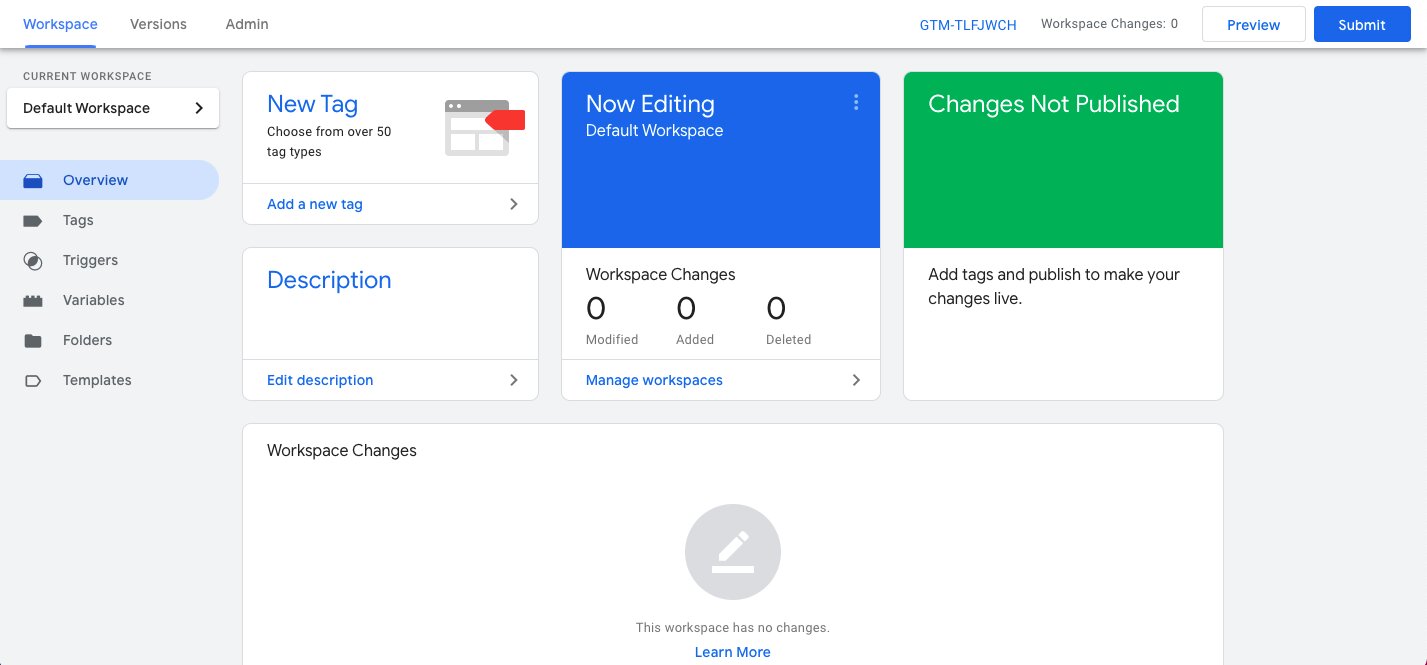
Tracking user behavior on a website has become one of the most important parts of digital marketing. Whether you are running Google Ads campaigns, improving SEO performance, or trying to understand how visitors interact with your website, proper tracking is essential.
This is where Google Tag Manager (GTM) comes in.
Many businesses still manually install tracking codes inside their website files every time they want to add Facebook Pixel, Google Analytics, conversion tracking, or remarketing tags. That process takes time, increases the risk of errors, and often requires a developer for even small changes.
Google Tag Manager solves this problem by giving marketers a single platform to manage all website tags without constantly editing website code.
If you want better tracking, cleaner analytics, and improved marketing performance, understanding GTM is important.
You can also explore our complete range of digital marketing services to improve tracking, SEO, and paid advertising performance together.
What Is Google Tag Manager?
Google Tag Manager is a free tag management system created by :contentReference[oaicite:0]{index=0} that allows you to add, update, and manage marketing tags on your website without directly modifying the code every time.
A “tag” is simply a small snippet of code used for tracking or marketing purposes.
Examples include:
- Google Analytics tracking code
- Google Ads conversion tracking
- Meta Pixel
- LinkedIn Insight Tag
- Hotjar tracking code
- Event tracking
- Scroll tracking
- Form submission tracking
Instead of adding these manually one by one inside your website files, GTM lets you control everything from a single dashboard.
How Google Tag Manager Works
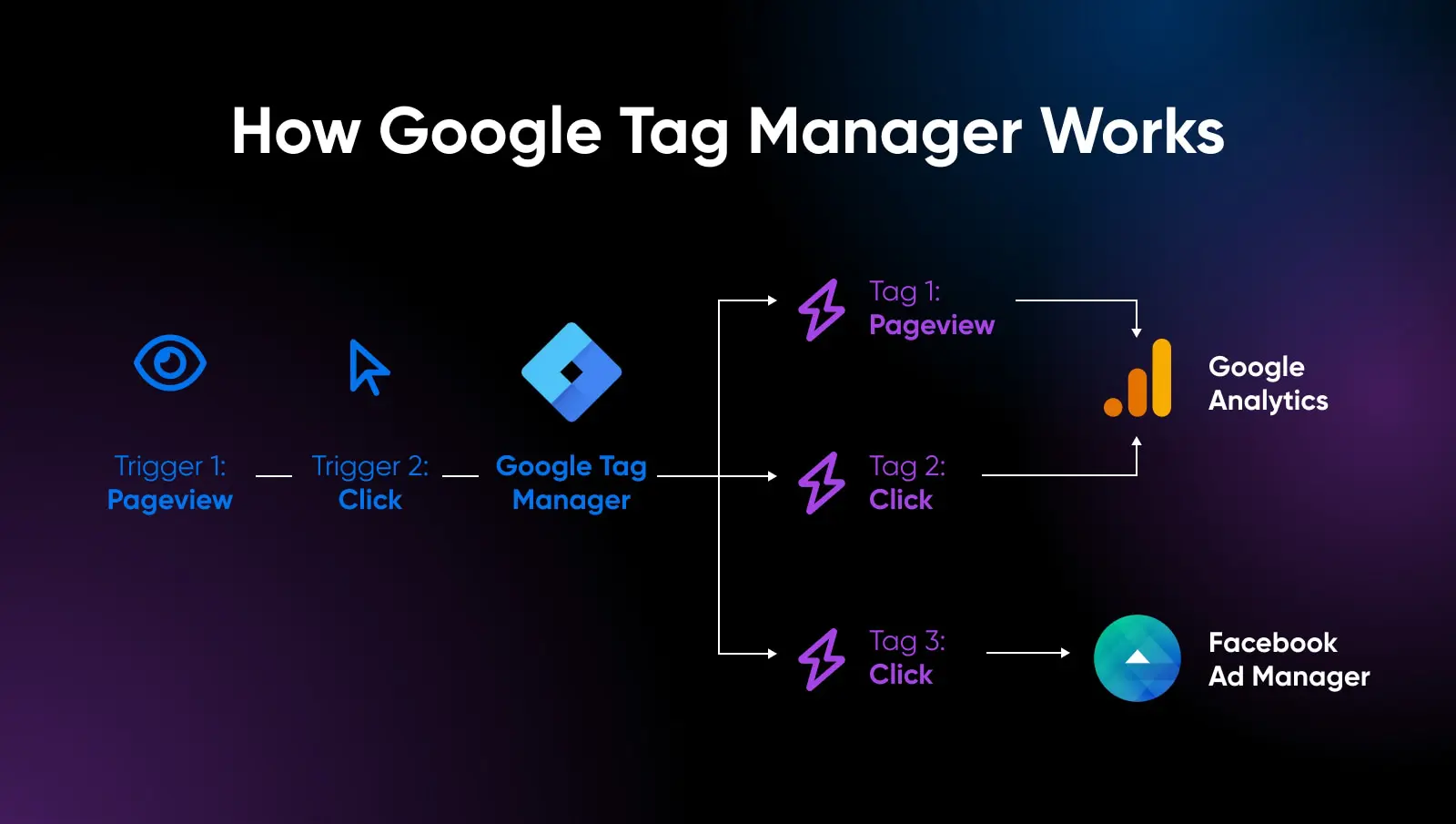
Google Tag Manager works using three main components:
1. Tags
Tags are the tracking codes or scripts you want to install.
Examples:
- Google Analytics 4
- Google Ads conversion tracking
- Meta Pixel
- Call tracking scripts
2. Triggers
Triggers define when a tag should fire.
For example:
- When someone visits a page
- When a user clicks a button
- When a form is submitted
- When a visitor scrolls 50% of a page
- When a purchase is completed
3. Variables
Variables store information that GTM and tags can use.
Examples include:
- Page URL
- Click text
- Form ID
- Transaction value
These help create advanced tracking setups.
Why Businesses Use Google Tag Manager
Businesses use Google Tag Manager because it makes website tracking faster, easier, and more flexible.
Here are the biggest benefits.
1. Faster Tracking Implementation
Without GTM, every new tracking script often requires developer involvement.
With GTM:
- Marketing teams can deploy tags quickly
- Tracking updates happen faster
- Campaign launches become easier
- Testing becomes more efficient
This is especially useful when running multiple campaigns across Google Ads, Facebook Ads, and SEO channels simultaneously.
If your campaigns are struggling with inaccurate data, you should also read our guide on 7 Costly Google Ads Mistakes That Are Wasting Your Budget.
2. Better Website Performance Management
Adding multiple scripts manually inside website code can slow down a website and create confusion.
Google Tag Manager helps organize tags in one place, making website management cleaner and more efficient.
A properly managed tracking setup can also improve:
- Page speed
- Analytics accuracy
- User experience
- Conversion tracking
This becomes even more important for businesses focused on performance marketing services.
3. Easier Conversion Tracking
One of the biggest reasons businesses use GTM is conversion tracking.
You can track:
- Leads
- Purchases
- Calls
- Form submissions
- Button clicks
- Downloads
- Newsletter signups
Accurate conversion tracking helps you understand which campaigns are generating revenue and which are wasting money.
Without proper tracking, optimizing ad campaigns becomes almost impossible.
4. Improved Google Ads Optimization
Google Ads heavily depends on accurate conversion data.
If your tracking is broken:
- Campaigns optimize incorrectly
- Cost per lead increases
- ROAS becomes unreliable
- Automated bidding performs poorly
Google Tag Manager makes it easier to properly install:
- Google Ads conversion tracking
- Enhanced conversions
- Remarketing tags
- Dynamic remarketing events
Businesses investing in Google Ads management services often use GTM to ensure every conversion is tracked correctly.
5. Advanced Event Tracking
Google Tag Manager allows you to track detailed user behavior without modifying website code repeatedly.
Examples include:
- Video views
- Scroll depth
- Outbound clicks
- CTA button clicks
- PDF downloads
- Cart abandonment
- Add-to-cart actions
This data helps marketers understand how users interact with the website.
Advanced event tracking is especially valuable for improving landing page conversion rates.
6. Better Analytics Accuracy
Many businesses struggle with inaccurate analytics because tracking codes are improperly installed.
Google Tag Manager helps centralize tracking and reduce mistakes.
This improves:
- Traffic analysis
- Attribution reporting
- Funnel analysis
- Audience segmentation
- Campaign performance tracking
When paired with SEO services, accurate analytics helps identify which pages generate organic traffic and leads.
7. Easier Testing and Debugging
One of the best features of GTM is Preview Mode.
Before publishing changes, you can test:
- Whether tags are firing correctly
- Which triggers are working
- Which variables are passing data
- Whether conversions are tracking properly
This reduces tracking errors and helps maintain reliable analytics.
8. Supports Multiple Marketing Platforms
Google Tag Manager works with many third-party platforms.
Examples include:
- Google Analytics 4
- Google Ads
- Meta Ads
- LinkedIn Ads
- TikTok Pixel
- Hotjar
- Microsoft Clarity
This makes GTM an essential tool for businesses running multi-channel marketing campaigns.
Google Tag Manager vs Google Analytics
Many people confuse Google Tag Manager with Google Analytics, but they serve different purposes.
| Google Tag Manager | Google Analytics |
|---|---|
| Manages tracking codes | Collects and reports data |
| Deploys tags | Analyzes visitor behavior |
| Helps install scripts | Helps measure performance |
| Used for implementation | Used for reporting |
In simple terms:
- Google Tag Manager installs tracking
- Google Analytics analyzes tracking data
Both tools work best together.
Common Tags Installed Through GTM
Here are some of the most common tags businesses use inside Google Tag Manager:
| Tag Type | Purpose |
|---|---|
| Google Analytics 4 | Website analytics |
| Google Ads Conversion Tracking | Track leads and sales |
| Meta Pixel | Facebook ad tracking |
| LinkedIn Insight Tag | LinkedIn campaign tracking |
| Hotjar | Heatmaps and recordings |
| Google Remarketing Tag | Audience retargeting |
Is Google Tag Manager Difficult to Learn?
For beginners, GTM may initially look technical, but basic implementation is relatively straightforward.
Most marketers can learn:
- Creating tags
- Setting triggers
- Installing GA4
- Basic event tracking
within a short time.
However, advanced setups like ecommerce tracking, server-side tagging, or custom JavaScript often require technical expertise.
Common Mistakes Businesses Make With GTM
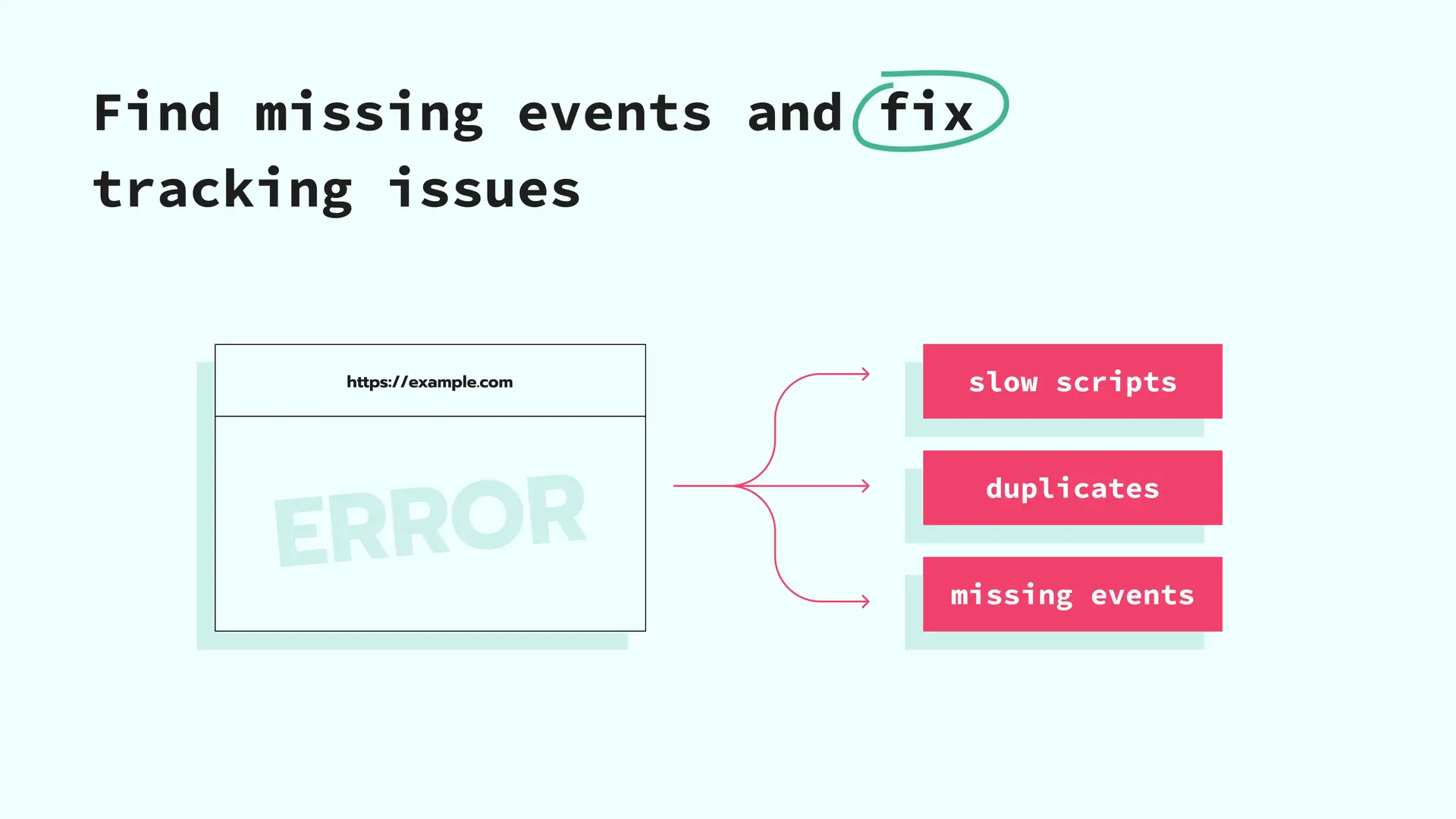
Even though GTM simplifies tracking, mistakes can still happen.
Some common issues include:
Duplicate Tracking
Installing the same tracking code multiple times can inflate analytics data.
Incorrect Triggers
Poorly configured triggers may cause tags to fire on the wrong pages.
Missing Conversion Events
Businesses often fail to track important actions like form submissions or phone calls.
No Testing Before Publishing
Publishing changes without preview testing can break tracking.
Poor Naming Structure
Messy tag organization makes future management difficult.
Best Practices for Google Tag Manager
To get the best results from GTM, follow these practices:
- Use clear naming conventions
- Test tags before publishing
- Organize folders properly
- Remove unused tags
- Track important business events
- Document major changes
- Regularly audit tracking setup
A properly managed GTM account improves both marketing performance and reporting accuracy.
Why Google Tag Manager Matters for SEO
While GTM itself does not directly improve rankings, it supports SEO efforts by providing better behavioral data.
For example, GTM helps track:
- Scroll depth
- Engagement metrics
- CTA clicks
- Form interactions
- Content performance
This helps identify which pages engage visitors and which pages need improvement.
If you are investing in SEO growth, you may also want to explore our technical SEO services.
Can Google Tag Manager Improve ROI?
Yes.
Better tracking leads to:
- Better optimization
- Better audience targeting
- Better reporting
- Better campaign decisions
When marketers have accurate conversion data, they can allocate budgets more effectively and reduce wasted ad spend.
This is why GTM has become essential for modern digital marketing.
Final Thoughts
Google Tag Manager is one of the most valuable tools for businesses that want accurate tracking and better marketing insights.
Instead of depending on developers for every small tracking change, GTM allows businesses to manage analytics and marketing tags efficiently from one place.
Whether you run Google Ads campaigns, SEO campaigns, ecommerce stores, or lead generation websites, proper tracking is critical for growth.
Without accurate data, scaling marketing campaigns becomes difficult.
If your website tracking is outdated or inaccurate, our team at Scale With Clicks can help you set up advanced tracking, conversion optimization, and marketing analytics for better campaign performance.
You can also explore our latest insights on the marketing blog for more actionable strategies.
FAQs
What is Google Tag Manager used for?
Google Tag Manager is used to manage and deploy tracking codes such as Google Analytics, Meta Pixel, and Google Ads conversion tracking without manually editing website code.
Is Google Tag Manager free?
Yes, Google Tag Manager is completely free to use.
Does Google Tag Manager improve SEO?
Google Tag Manager does not directly improve rankings, but it helps track user behavior and website performance, which supports SEO optimization efforts.
What is the difference between Google Analytics and Google Tag Manager?
Google Analytics collects and reports website data, while Google Tag Manager helps install and manage tracking codes.
Can I use Google Tag Manager without coding?
Basic GTM setups can be managed without coding knowledge, although advanced tracking implementations may require technical expertise.
Is Google Tag Manager necessary for Google Ads?
While not mandatory, GTM makes Google Ads conversion tracking and remarketing setup much easier and more accurate.
How long does it take to set up Google Tag Manager?
Basic installation can take less than an hour, but advanced ecommerce or custom event tracking setups may take longer.