Google Ads
Google Ads Strategy for Small Businesses (Step-byStep)

Category: Google Ads
Google Ads Strategy for Small Businesses (Step-by-Step)
Running a small business is already challenging. Managing inventory, customer support, sales, and marketing together can quickly become overwhelming. That’s why many business owners turn to Google Ads to generate leads and sales faster.
But here’s the reality — simply running ads doesn’t guarantee results.
Many small businesses waste money because they target the wrong keywords, use poor landing pages, or fail to track conversions properly. A smart Google Ads strategy helps you compete with larger brands without burning your budget.
In this guide, you’ll learn a complete step-by-step Google Ads strategy for small businesses that focuses on generating quality leads, improving ROI, and scaling profitably.
If you're completely new to paid advertising, you can also explore our detailed guide on how to setup and track conversions in Google Ads before launching campaigns.
Why Google Ads Works for Small Businesses
Unlike SEO, which can take months to generate results, Google Ads allows businesses to appear at the top of Google almost instantly.
Here’s why small businesses prefer Google Ads:
- Reach customers actively searching for your services
- Control daily spending
- Generate leads quickly
- Target specific locations
- Measure every click and conversion
- Scale campaigns based on performance
Whether you run a local service business, ecommerce store, coaching business, or B2B company, Google Ads can deliver measurable growth when executed correctly.
Step 1: Define Your Advertising Goal
Before creating campaigns, decide what success looks like for your business.
Your goal may be:
- Phone calls
- Website leads
- Ecommerce sales
- Store visits
- WhatsApp inquiries
- Brand awareness
Your campaign structure, bidding strategy, and conversion tracking depend entirely on your business objective.
For example:
| Business Type | Primary Goal |
|---|---|
| Local Service Business | Phone Calls & Leads |
| Ecommerce Store | Purchases |
| Coaching/Consulting | Form Submissions |
| SaaS Company | Free Trials |
| Restaurant | Calls & Directions |
Without a clear goal, optimization becomes impossible.
Step 2: Set Up Conversion Tracking Properly
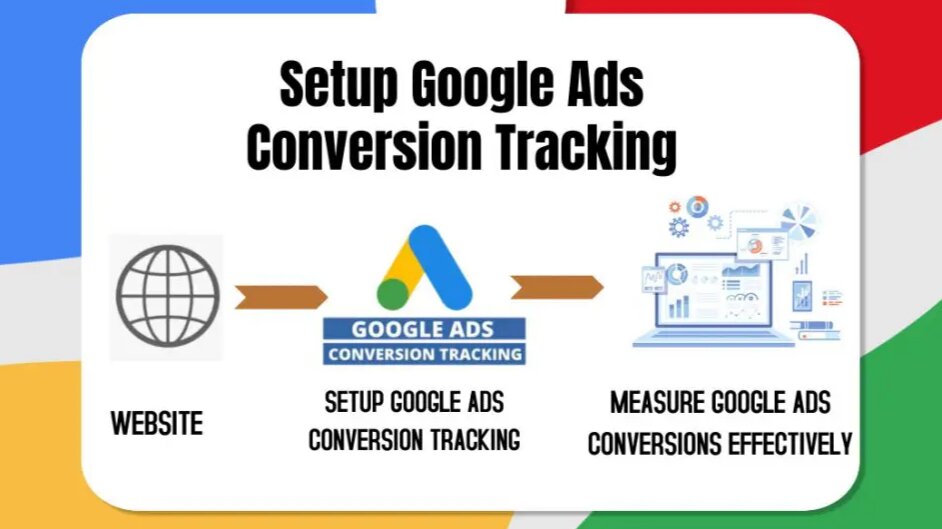
One of the biggest mistakes small businesses make is running ads without conversion tracking.
If Google Ads cannot identify conversions, the algorithm cannot optimize effectively.
You should track:
- Contact form submissions
- Phone calls
- Purchases
- Checkout events
- WhatsApp clicks
- Lead forms
- Newsletter signups
We strongly recommend integrating:
- Google Ads Conversion Tracking
- Google Analytics 4 (GA4)
- Google Tag Manager (GTM)
You can learn the full setup process in our detailed article on Google Ads conversion tracking setup
Step 3: Research High-Intent Keywords
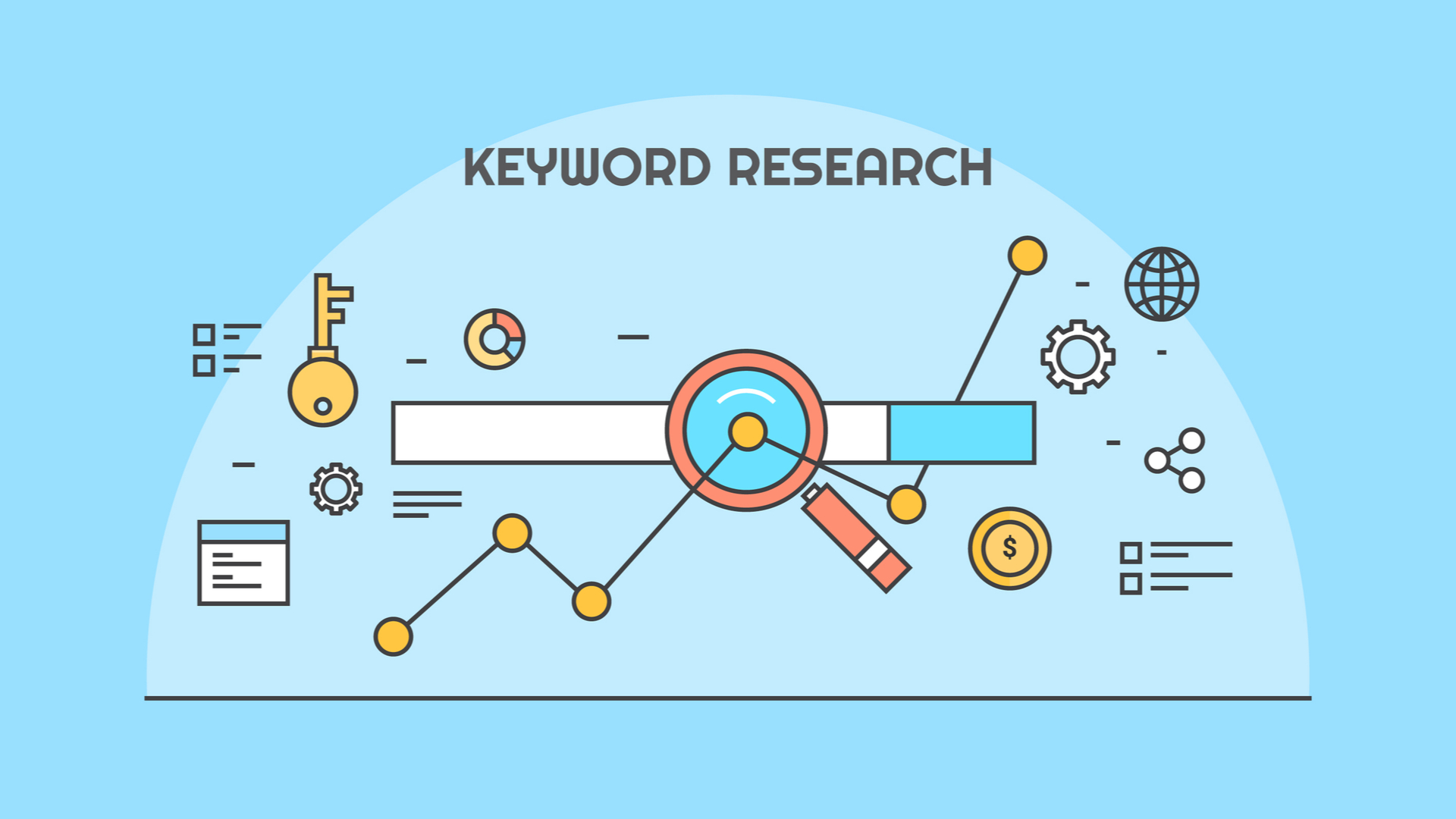
Keyword research is the foundation of every successful Google Ads campaign.
Focus on keywords that indicate buying intent rather than informational searches.
High-Intent Keyword Examples
Good Keywords
- plumber near me
- buy organic honey online
- Google Ads agency for small business
- best digital marketing company
- emergency electrician service
Poor Keywords
- what is plumbing
- digital marketing tips
- how Google Ads work
The second category may generate traffic, but conversions are usually low.
Use tools like:
- Google Keyword Planner
- SEMrush
- Ahrefs
- Google Search Suggestions
You should also organize keywords into tightly grouped ad groups.
Suggested Keyword Types for Small Businesses
1. Commercial Keywords
These users are ready to buy.
Examples:
- affordable SEO agency
- PPC management services
- best ecommerce marketing agency
2. Local Keywords
Essential for local businesses.
Examples:
- dentist in Delhi
- gym near me
- bakery in Mumbai
3. Branded Keywords
Protect your brand name from competitors.
Examples:
- Scale With Clicks
- Garhwal Sweets
Step 4: Use the Right Campaign Type
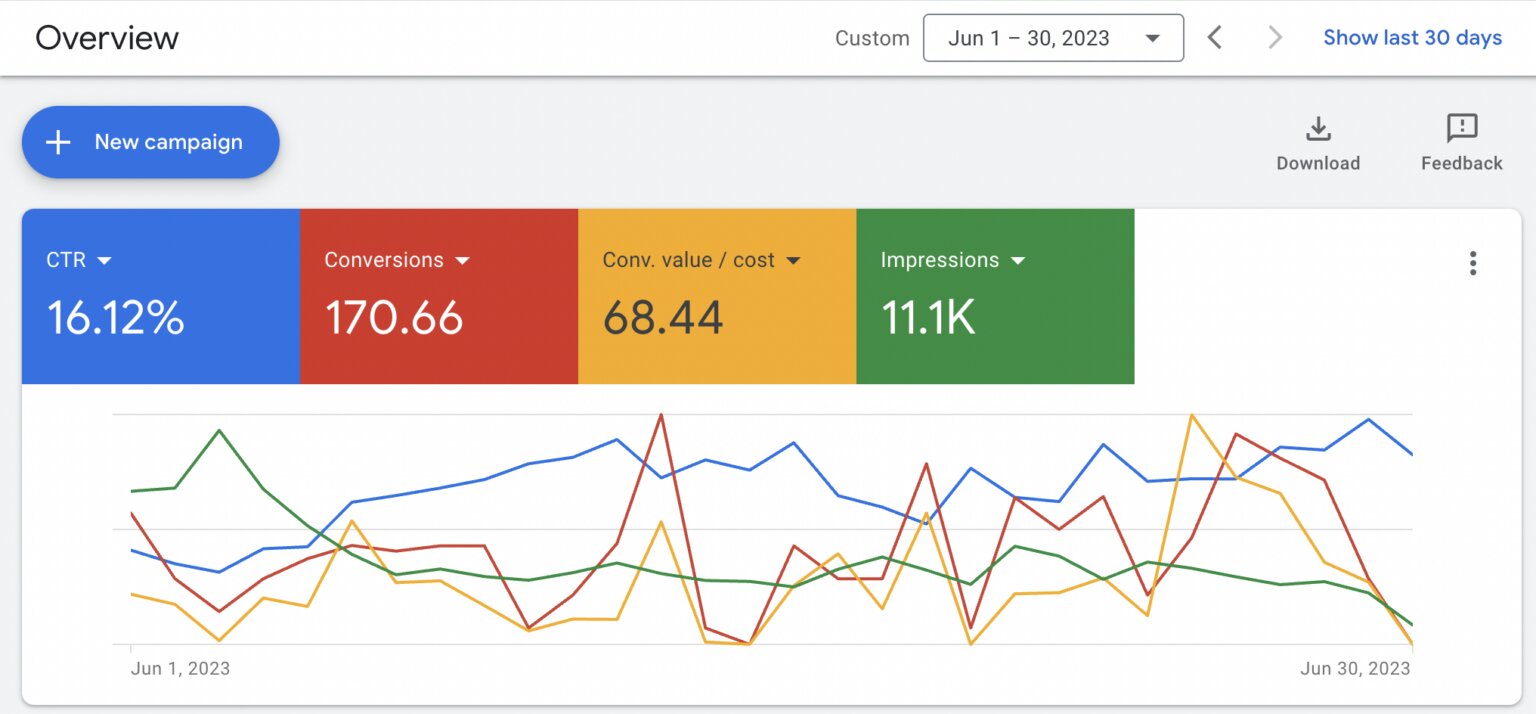
Google Ads offers multiple campaign types, but not all are suitable for beginners.
Best Campaign Types for Small Businesses
Search Campaigns
Ideal for lead generation and service businesses.
These ads appear when users actively search on Google.
Performance Max Campaigns
Good for ecommerce stores.
These campaigns run across:
- Search
- YouTube
- Gmail
- Display
- Discover
Remarketing Campaigns
Target users who already visited your website.
Remarketing usually delivers lower cost-per-conversion because the audience is already familiar with your brand.
Learn more about professional campaign management on our Google Ads Agency Service Page
Step 5: Create High-Converting Ad Copy
Your ads should focus on solving problems rather than describing your business.
Effective Google Ad Structure
Headline Examples
- Get Fast Plumbing Service Today
- Affordable SEO Services for Small Businesses
- Increase Sales with Google Ads Experts
Description Examples
- Trusted by 200+ businesses. Free consultation available.
- Generate more leads with data-driven Google Ads campaigns.
Include:
- Main keyword
- Benefits
- CTA (Call-to-Action)
- Trust factors
- Offers
Step 6: Optimize Your Landing Page
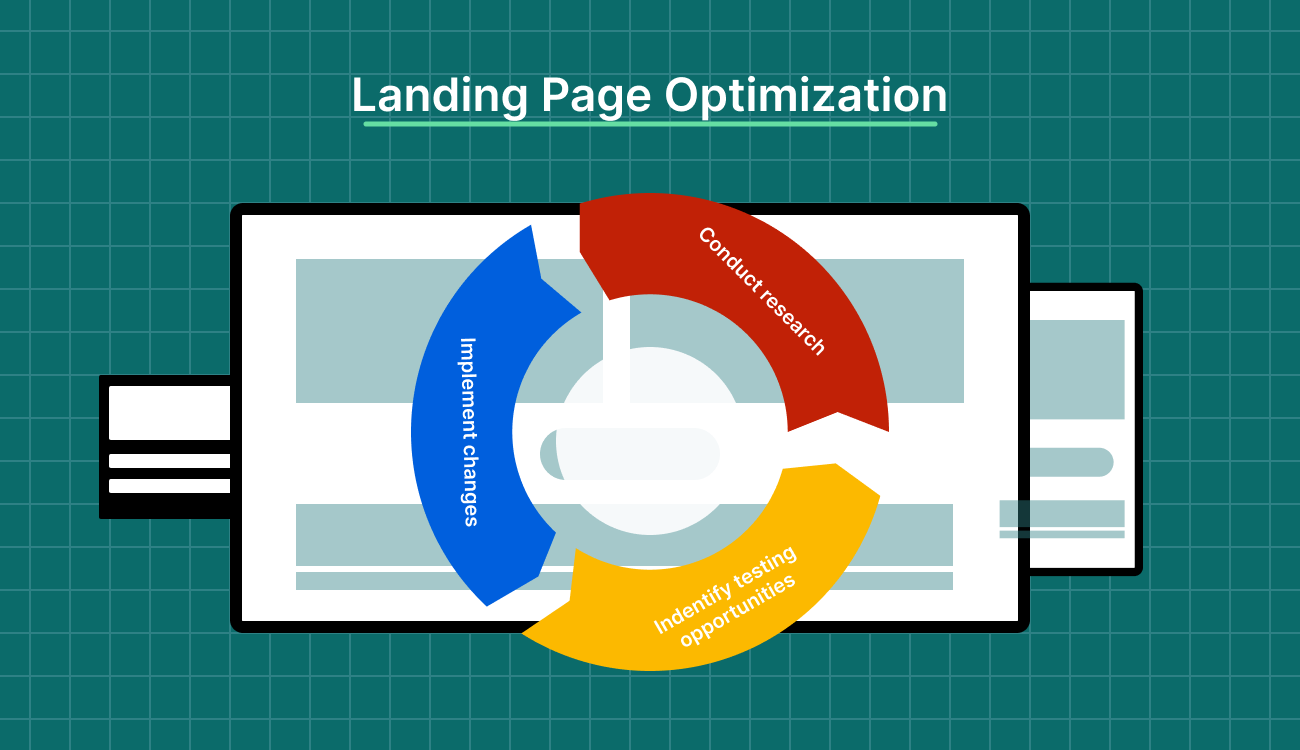
Even the best ads fail if the landing page is poor.
Your landing page should:
- Load fast
- Work on mobile devices
- Have a clear CTA
- Include trust signals
- Match the ad message
- Remove distractions
Essential Landing Page Elements
- Strong headline
- Benefits section
- Testimonials
- Contact form
- Phone number
- FAQs
- Service details
If users click your ad and immediately leave, your cost per lead will increase significantly.
Step 7: Start with Smart Budget Allocation
Small businesses don’t need massive budgets to start.
A focused strategy often performs better than broad targeting.
Recommended Starting Budgets
| Business Type | Suggested Daily Budget |
|---|---|
| Local Services | ₹500–₹1500 |
| Ecommerce | ₹1000–₹5000 |
| B2B Lead Generation | ₹1500–₹3000 |
Instead of targeting many services together, start with:
- One location
- One service
- One audience segment
Scale only after achieving consistent conversions.
Step 8: Choose the Correct Bidding Strategy
Google Ads can optimize bids automatically, but selecting the right strategy matters.
Recommended Bidding Strategies
Maximize Clicks
Best for:
- New campaigns
- Data collection
Maximize Conversions
Best once tracking is stable.
Target CPA
Ideal for businesses with consistent conversion history.
Avoid changing bidding strategies too frequently because the learning phase resets.
Step 9: Use Negative Keywords
Negative keywords prevent irrelevant traffic.
For example, if you sell premium services, add:
- free
- cheap
- jobs
- internship
- training
This improves:
- Click quality
- Conversion rate
- ROI
Negative keywords are one of the most overlooked optimization techniques in Google Ads.
Step 10: Improve Quality Score
Google rewards advertisers with better Quality Scores by reducing CPCs.
Quality Score depends on:
- Ad relevance
- Expected CTR
- Landing page experience
Ways to Improve Quality Score
- Use keywords in headlines
- Create focused ad groups
- Improve landing page speed
- Match landing page content with ad copy
Higher Quality Scores often mean lower advertising costs.
Step 11: Track and Optimize Weekly
Google Ads is not a “set and forget” platform.
Weekly optimization is critical.
Important Metrics to Monitor
| Metric | Why It Matters |
|---|---|
| CTR | Measures ad relevance |
| CPC | Controls spending |
| Conversion Rate | Shows landing page quality |
| CPA | Determines profitability |
| ROAS | Essential for ecommerce |
Weekly Optimization Tasks
- Pause poor-performing keywords
- Add negative keywords
- Improve ad copy
- Test landing pages
- Analyze search terms
- Adjust bidding strategies
Step 12: Use Remarketing to Increase Conversions
Most users don’t convert on their first visit.
Remarketing helps you reconnect with potential customers.
Remarketing Audiences
- Website visitors
- Cart abandoners
- Previous leads
- YouTube viewers
- Existing customers
Remarketing campaigns usually generate:
- Higher conversion rates
- Lower CPCs
- Better ROI
Common Google Ads Mistakes Small Businesses Make
1. No Conversion Tracking
Without tracking, optimization becomes impossible.
2. Broad Match Keywords Only
This often wastes budget on irrelevant traffic.
3. Sending Traffic to Homepage
Dedicated landing pages usually convert better.
4. Ignoring Mobile Users
Most traffic now comes from mobile devices.
5. Running Too Many Campaigns
Start small and scale gradually.
You can avoid these issues by working with a professional digital marketing agency experienced in performance marketing.
Best Google Ads Strategy for Local Businesses
If you run a local business, focus on:
- Location targeting
- Call extensions
- Google Business Profile optimization
- Mobile-friendly landing pages
- Local intent keywords
Example Local Keywords
- electrician near me
- dentist in Dehradun
- bakery delivery in Delhi
Local campaigns generally deliver faster conversions because purchase intent is high.
How Long Does Google Ads Take to Work?
Google Ads can start generating clicks immediately after approval.
However, meaningful optimization usually takes:
- 2–4 weeks for lead generation
- 1–3 months for consistent scaling
Performance improves as Google collects more conversion data.
Patience and continuous optimization are essential.
Final Thoughts
Google Ads can become one of the most profitable marketing channels for small businesses when executed strategically.
Success depends on:
- Proper conversion tracking
- High-intent keywords
- Strong landing pages
- Smart budgeting
- Continuous optimization
Avoid focusing only on clicks. Focus on conversions, profitability, and long-term growth.
If you want expert support with campaign setup, conversion tracking, or lead generation, explore our Google Ads Management Services
FAQs
Is Google Ads worth it for small businesses?
Yes. Google Ads helps small businesses reach customers actively searching for products or services. With proper targeting and optimization, it can generate high-quality leads and sales.
What is the minimum budget for Google Ads?
Small businesses can start with as little as ₹500 per day depending on the industry and competition.
Which Google Ads campaign is best for beginners?
Search campaigns are usually the best starting point because they target users with high buying intent.
How long does it take to see results from Google Ads?
You can start receiving clicks immediately, but optimization and consistent results typically take a few weeks.
Why is conversion tracking important in Google Ads?
Conversion tracking helps measure leads, sales, and ROI. It also allows Google’s algorithm to optimize campaigns effectively.
Should small businesses hire a Google Ads agency?
If you lack experience or time, hiring a professional agency can improve campaign performance and reduce wasted spending.