SEO
Technical SEO Basics - 15 Essentials for Better Rankings

Category: SEO
Technical SEO Basics Every Website Needs: The Foundation of Better Rankings
Building a website that looks great is only half the battle. If search engines cannot properly crawl, understand, and index your pages, even the most beautifully designed website may struggle to generate organic traffic.
This is where technical SEO becomes crucial.
Many businesses invest heavily in content creation, web design, and advertising while overlooking the technical foundation of their website. Unfortunately, technical issues can prevent your site from reaching its full ranking potential regardless of how good your content is.
Whether you're running an eCommerce store, a service-based business, or a corporate website, understanding technical SEO basics can significantly improve your search visibility and user experience.
If you're looking for professional assistance, our SEO Services help businesses build strong technical foundations that drive sustainable growth.
What Is Technical SEO?
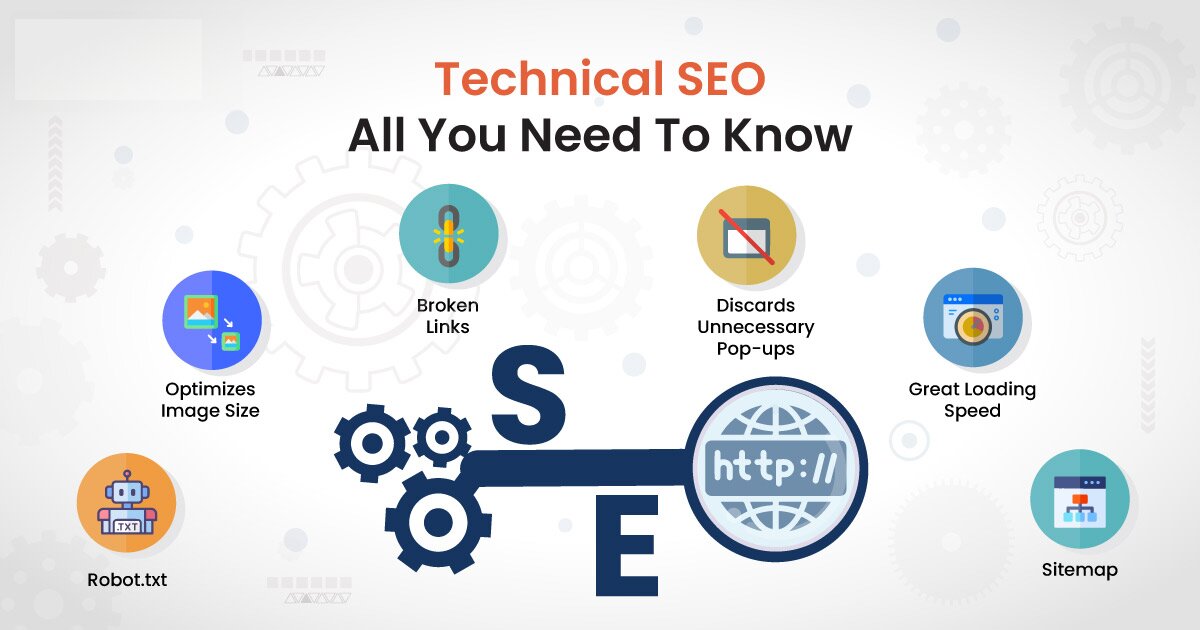
Technical SEO refers to the process of optimizing your website's infrastructure so that search engines can efficiently crawl, index, and rank your content.
Unlike on-page SEO, which focuses on content and keywords, technical SEO focuses on the backend elements of your website, including:
- Website speed
- Mobile usability
- Site architecture
- Crawlability
- Indexability
- Security
- Structured data
- XML sitemaps
Without proper technical SEO, search engines may struggle to understand your website, leading to lower rankings and reduced organic traffic.
For a complete SEO strategy, technical SEO should work alongside our Digital Marketing Services and content optimization efforts.
Why Technical SEO Matters in 2026
Google's algorithms continue to prioritize websites that provide excellent user experiences.
Technical SEO directly impacts:
Better Search Engine Crawling
Search engine bots need clear pathways to discover your pages. Technical SEO ensures crawlers can access and understand your content efficiently.
Improved User Experience
Fast-loading pages, mobile responsiveness, and secure browsing improve visitor satisfaction and engagement.
Higher Rankings
Google uses numerous technical signals as ranking factors. A technically optimized website often outperforms competitors with similar content quality.
Increased Conversion Rates
Users are more likely to convert when websites load quickly and function smoothly across devices.
1. Website Speed Optimization
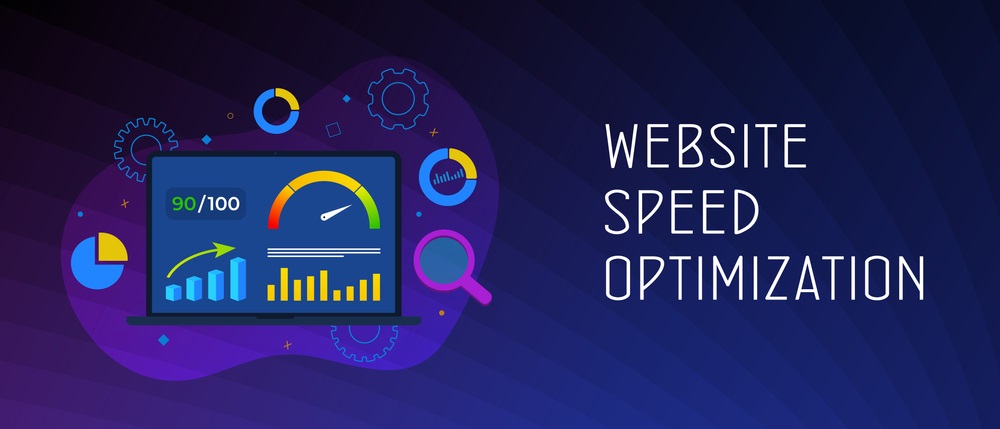
Page speed remains one of the most important technical SEO factors.
A slow website can:
- Increase bounce rates
- Reduce conversions
- Lower rankings
- Hurt user experience
Ways to Improve Website Speed
Compress Images
Large image files are one of the biggest causes of slow websites.
Use:
- WebP format
- Image compression tools
- Responsive image sizing
Enable Browser Caching
Caching allows returning visitors to load pages faster by storing website resources locally.
Minify CSS, JavaScript, and HTML
Removing unnecessary code reduces file sizes and improves loading times.
Use a Content Delivery Network (CDN)
CDNs distribute content across global servers, improving load times for users worldwide.
2. Mobile-Friendly Website Design
Google uses mobile-first indexing, meaning it primarily evaluates the mobile version of your website.
A mobile-friendly website should have:
- Responsive design
- Readable text
- Easy navigation
- Fast mobile loading speeds
- Touch-friendly buttons
If your website isn't optimized for mobile users, rankings can suffer significantly.
Suggested Image

3. Secure Your Website with HTTPS
Security is now a ranking factor.
Every website should use:
- SSL certificate
- HTTPS protocol
- Secure data transmission
Visitors are more likely to trust websites displaying the secure padlock icon in their browsers.
If your website still uses HTTP, migrating to HTTPS should be a top priority.
4. Create and Submit an XML Sitemap
An XML sitemap helps search engines discover important pages on your website.
Benefits include:
- Faster indexing
- Better crawl efficiency
- Improved visibility of important pages
Typical sitemap URL:
https://yourwebsite.com/sitemap.xml
After creating your sitemap, submit it through Google Search Console.
5. Optimize Your Robots.txt File
The robots.txt file tells search engine crawlers which pages they can or cannot access.
A properly configured robots.txt file:
- Prevents crawling of unnecessary pages
- Improves crawl budget utilization
- Helps search engines focus on important content
Example:
User-agent: *
Allow: /

Sitemap: https://yourwebsite.com/sitemap.xml
Incorrect robots.txt configurations can accidentally block search engines from indexing your website.
6. Fix Broken Links and Crawl Errors
Broken links create poor user experiences and waste crawl budget.
Common issues include:
- 404 pages
- Redirect chains
- Internal linking errors
- Missing resources
Regularly audit your website using tools like:
- Google Search Console
- Screaming Frog
- SEMrush
You can also learn more about site maintenance in our guide on Website SEO Audit Checklist.
7. Improve Site Structure and Navigation
A clear website structure helps both users and search engines.
An ideal structure looks like:
Home
│
├── Services
│   ├── SEO Services
│   ├── Google Ads Services
│   └── Social Media Marketing
│
├── Blog
│
└── Contact
Benefits:
- Easier crawling
- Better user experience
- Stronger internal linking
- Improved authority distribution
Explore our Google Ads Services and Meta Ads Services through a properly structured navigation system.
8. Use Proper URL Structures
SEO-friendly URLs should be:
Good Example
https://scalewithclicks.com/blog/technical-seo-basics
Bad Example
https://scalewithclicks.com/post?id=12345
Best practices:
- Keep URLs short
- Use keywords naturally
- Avoid unnecessary parameters
- Use hyphens instead of underscores
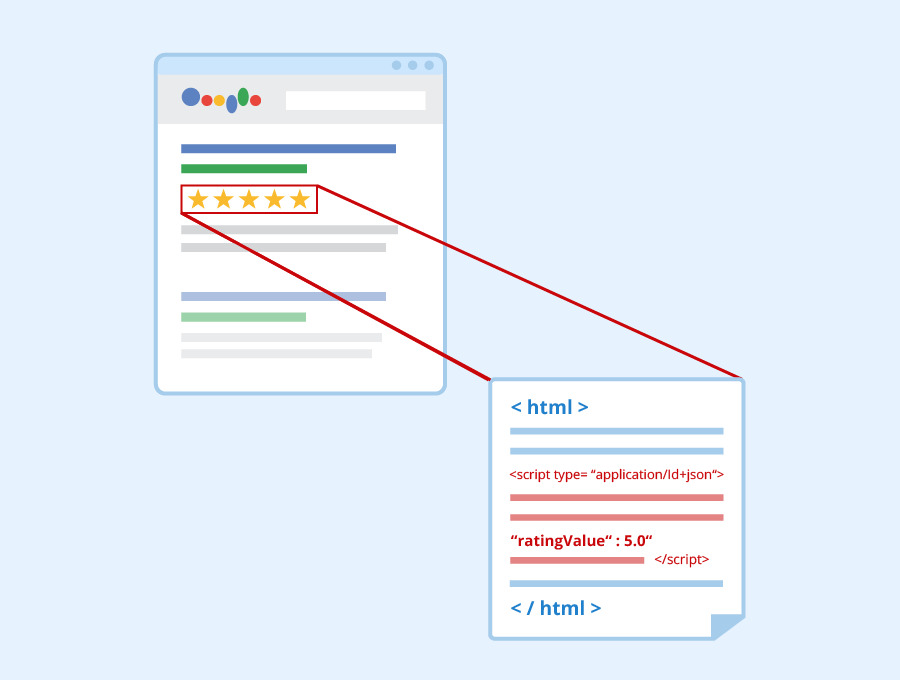
9. Implement Structured Data
Structured data helps search engines understand your content better.
Common schema types include:
- Organization Schema
- FAQ Schema
- Local Business Schema
- Article Schema
- Product Schema
Benefits:
- Rich snippets
- Enhanced SERP visibility
- Better click-through rates
Suggested Image
10. Optimize Core Web Vitals
Core Web Vitals measure user experience performance.
Key metrics include:
Largest Contentful Paint (LCP)
Measures loading performance.
Target:
Under 2.5 seconds
Interaction to Next Paint (INP)
Measures responsiveness.
Target:
Under 200 milliseconds
Cumulative Layout Shift (CLS)
Measures visual stability.
Target:
Below 0.1
Improving these metrics can positively impact rankings and user engagement.
11. Manage Redirects Properly
Redirects are often necessary when:
- Changing URLs
- Migrating websites
- Consolidating content
Use:
301 Redirect
Permanent redirect that passes SEO value.
Avoid:
- Redirect loops
- Long redirect chains
Proper redirect management preserves rankings and user experience.
12. Eliminate Duplicate Content Issues
Duplicate content confuses search engines.
Common causes:
- HTTP vs HTTPS versions
- WWW vs non-WWW versions
- Parameterized URLs
- Printer-friendly pages
Solutions:
- Canonical tags
- Proper redirects
- Consistent URL structure
13. Optimize Internal Linking
Internal links help:
- Distribute authority
- Improve crawlability
- Guide visitors through your website
For example:
Businesses interested in lead generation can explore our Performance Marketing Services to complement their SEO strategy.
Similarly, if you're investing in paid advertising, our guide on How Much Should You Spend on Google Ads in 2026 provides valuable budgeting insights.
14. Monitor Technical SEO Regularly
Technical SEO is not a one-time task.
Regular monitoring should include:
- Crawl errors
- Page speed testing
- Core Web Vitals reports
- Index coverage
- Sitemap validation
- Security checks
Tools worth using:
- Google Search Console
- Google Analytics
- PageSpeed Insights
- SEMrush
- Ahrefs
- Screaming Frog
Common Technical SEO Mistakes to Avoid
Many websites unknowingly make mistakes such as:
- Blocking important pages in robots.txt
- Missing XML sitemaps
- Slow-loading pages
- Broken internal links
- Duplicate content
- Poor mobile usability
- Excessive redirects
Fixing these issues often produces quick SEO wins.
Final Thoughts
Technical SEO serves as the foundation of every successful SEO strategy. Without a strong technical framework, even excellent content and backlink campaigns may fail to achieve their full potential.
By focusing on website speed, mobile responsiveness, crawlability, structured data, site architecture, and Core Web Vitals, you can create a website that both users and search engines love.
If you'd like a complete technical SEO audit and implementation plan, visit Scale With Clicks or explore our SEO Services to see how Scale With Clicks can help improve your website's search performance.
Technical SEO may happen behind the scenes, but its impact is visible everywhere—from rankings and traffic to leads and revenue.
Start with the basics, monitor performance regularly, and continue optimizing as your website grows.
FAQs
What is technical SEO?
Technical SEO involves optimizing a website's infrastructure to help search engines crawl, index, and rank pages effectively.
Is technical SEO important for small businesses?
Yes. Technical SEO helps businesses improve visibility, user experience, and search rankings regardless of company size.
How often should technical SEO audits be performed?
A comprehensive technical SEO audit should be conducted at least every quarter, with ongoing monitoring throughout the year.
What tools are best for technical SEO?
Google Search Console, SEMrush, Ahrefs, Screaming Frog, and Google PageSpeed Insights are among the most popular technical SEO tools.
Does technical SEO improve rankings?
Yes. Technical SEO helps search engines understand your website better and supports improved rankings when combined with quality content and backlinks.