SEO
How to Optimize Google Business Profile & Rank Higher (2026)

Category: SEO
Google Business Profile Optimization Guide (2026): Rank Higher & Get More Local Customers
If your business serves customers in a specific city, optimizing your Google Business Profile (GBP) is one of the highest ROI marketing activities you can do.
Whether you're a digital marketing agency, dentist, real estate consultant, restaurant, law firm, or local service provider, your Google Business Profile determines how easily potential customers discover you through Google Search and Google Maps.
Many businesses create a profile but never optimize it properly. As a result, competitors with better profiles receive more visibility, phone calls, website visits, and customer inquiries—even if they provide similar services.
In this guide, you'll learn how to fully optimize your Google Business Profile, improve local rankings, generate more reviews, and convert more searchers into paying customers.
Looking to improve your complete online visibility? Explore our SEO Services to increase your organic traffic and local rankings.
What is Google Business Profile?
Google Business Profile (formerly Google My Business) is Google's free business listing platform that allows companies to appear in:
- Google Search
- Google Maps
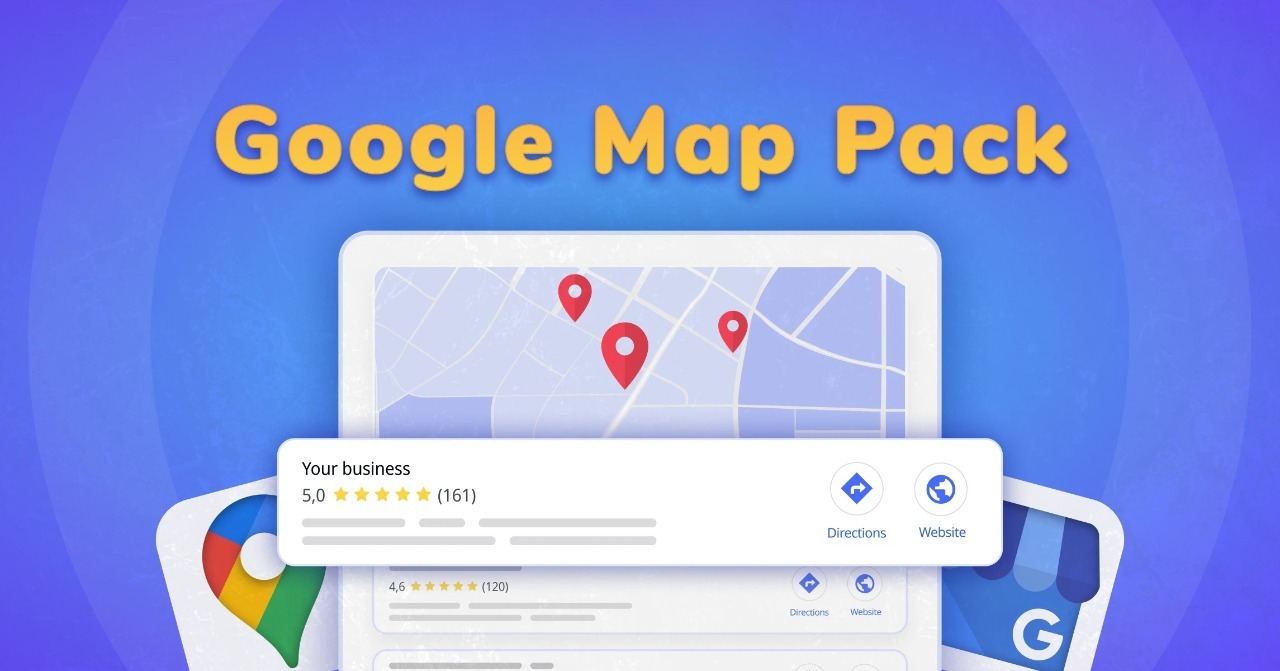
- Local Pack (Top 3 Map Results)
- Knowledge Panel
- Mobile Search
A well-optimized profile displays valuable information including:
- Business Name
- Address
- Phone Number
- Website
- Business Hours
- Customer Reviews
- Photos
- Products
- Services
- FAQs
- Posts
- Directions
For local businesses, it acts as a digital storefront available 24/7.
Why Google Business Profile Matters for Local SEO
Nearly every customer searching for a nearby business begins with Google.
Searches like:
- Best Google Ads agency near me
- SEO company in Delhi
- Dentist near me
- Coffee shop nearby
trigger Google's local search results.
An optimized Google Business Profile helps you:
- Rank higher in Google Maps
- Increase website traffic
- Generate more phone calls
- Improve local SEO
- Build customer trust
- Increase walk-in visits
- Get more qualified leads
If you're already investing in Google Ads Management, an optimized Business Profile improves overall brand credibility and conversion rates when users research your business after clicking an ad.
Step-by-Step Google Business Profile Optimization Checklist
1. Complete Every Profile Section
Google rewards complete business profiles.
Ensure you fill in:
- Business Name
- Primary Category
- Secondary Categories
- Address
- Service Areas
- Phone Number
- Website
- Appointment Link
- Opening Hours
- Holiday Hours
- Business Description
Avoid leaving any field blank.
2. Choose the Right Primary Category
Your primary category carries significant ranking weight.
Examples include:
- Digital Marketing Agency
- Marketing Agency
- SEO Consultant
- Advertising Agency
- Real Estate Agency
- Dental Clinic
Then add relevant secondary categories that accurately describe your services.
Avoid adding unrelated categories just to appear in more searches.
3. Write a Keyword-Rich Business Description
Use your business description to naturally explain:
- What you do
- Who you serve
- Locations you serve
- Your experience
- Your unique value
Example:
Scale With Clicks helps businesses generate high-quality leads through Google Ads, Meta Ads, Local SEO, conversion tracking, and landing page optimization for clients across India and international markets.
Keep the description informative rather than promotional.
4. Add High-Quality Photos Regularly
Businesses with more photos typically receive greater engagement.
Upload:
- Office Photos
- Team Photos
- Workspace
- Logo
- Cover Image
- Before & After Projects
- Client Meetings
- Products
- Events
Fresh images signal that your business is active.
5. Collect More Customer Reviews
Reviews influence both rankings and customer decisions.
Ask satisfied customers to leave reviews after:
- Completed projects
- Successful campaigns
- Purchases
- Consultations
Best practices:
- Never buy fake reviews.
- Respond to every review.
- Thank positive reviewers.
- Professionally address negative feedback.
- Include relevant keywords naturally in your responses where appropriate.
For example:
Thank you for trusting us with your Google Ads campaign. We're glad we could help improve your lead generation.
6. Keep Your NAP Information Consistent
NAP stands for:
- Name
- Address
- Phone Number
Your NAP should match across:
- Website
- Google Business Profile
- Business Directories
- Local Citations
Consistency helps Google verify your business.
7. Add Every Service You Offer
Instead of listing only "Digital Marketing," create individual services such as:
- Google Ads Management
- Meta Ads Management
- Local SEO
- Website SEO Audit
- Conversion Tracking
- Landing Page Optimization
Each service increases your visibility for relevant searches.
8. Publish Google Business Posts
Google Business Posts help keep your profile active.
Post regularly about:
- Blog articles
- Offers
- Promotions
- Case Studies
- Company Updates
- Events
- New Services
Publishing one post every week is a good practice.
You can also repurpose articles like our Google Ads Setup Guide for Beginners into shorter Google Business posts.
9. Enable Messaging
Many customers prefer messaging over phone calls.
Enable messaging if you can respond promptly.
Quick responses improve customer experience.
10. Add Products (Even if You're a Service Business)
Google allows businesses to showcase products or service packages.
Examples:
- Google Ads Audit
- SEO Audit
- Local SEO Package
- Landing Page Optimization
- Meta Ads Management
Each listing provides another opportunity to appear in search results.
11. Add Questions & Answers
Don't wait for customers to ask questions.
Add common FAQs yourself, such as:
- Do you offer free consultations?
- Which cities do you serve?
- What industries do you specialize in?
- How long does SEO take?
- Do you manage Google Ads?
This improves user experience and provides additional keyword relevance.
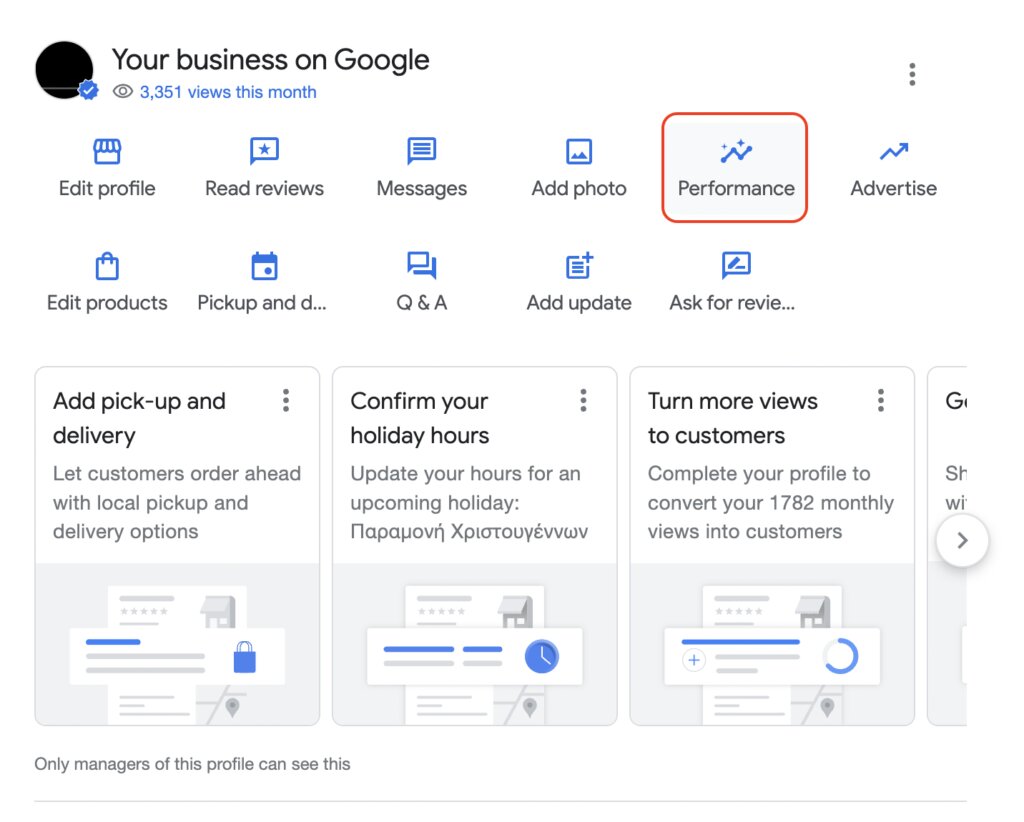
12. Monitor Insights
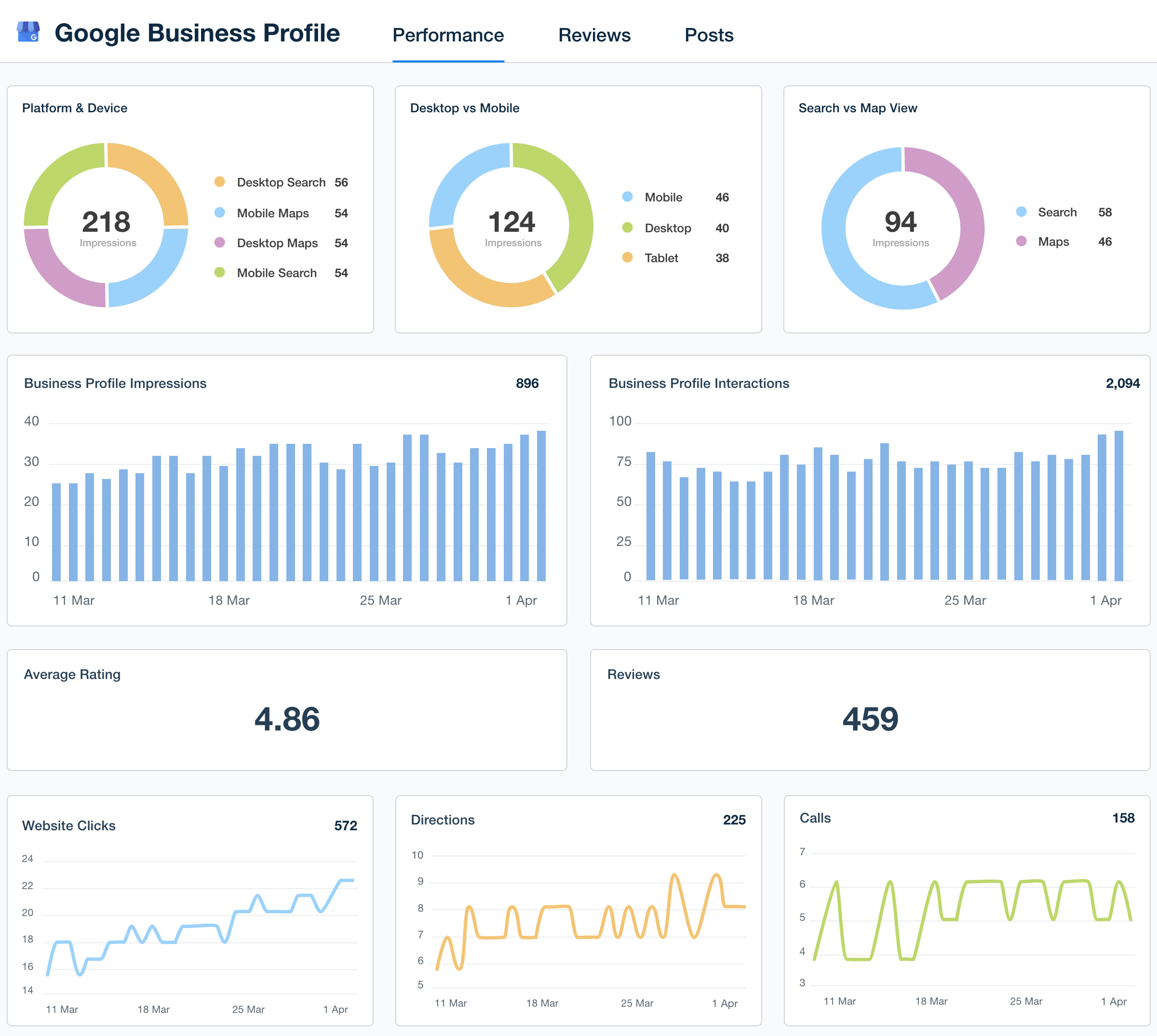
Google Business Profile provides valuable insights, including:
- Search Queries
- Calls
- Direction Requests
- Website Clicks
- Photo Views
- Profile Views
Review these metrics monthly to understand what's driving customer engagement.
For deeper performance analysis, combine GBP insights with Google Analytics 4 and your website data.
Common Google Business Profile Mistakes
Many businesses unknowingly limit their local visibility by making avoidable mistakes:
- Incomplete business profile
- Wrong business category
- Keyword stuffing in the business name
- Inconsistent contact information
- Very few customer reviews
- Low-quality images
- No Google Posts
- Ignoring customer reviews
- Outdated business hours
- No service descriptions
If you're also running paid campaigns, avoid these issues alongside the Google Ads mistakes that waste your budget to maximize both organic and paid performance.
Advanced Tips to Improve Local Rankings
Beyond the basics, consider these strategies:
- Build high-quality local citations.
- Earn backlinks from local organizations and industry websites.
- Add Local Business Schema to your website.
- Optimize city-specific landing pages.
- Improve website speed.
- Ensure your site is mobile-friendly.
- Publish location-focused blog content.
- Embed your Google Map on your contact page.
- Maintain a steady flow of genuine customer reviews.
Together, these efforts strengthen your local SEO and complement your Conversion Tracking Services by ensuring you're measuring leads from every source accurately.
How Google Business Profile Supports Your SEO Strategy
Your Business Profile should not operate in isolation.
The strongest local SEO results come from combining:
- Website optimization
- Local citations
- Review management
- Content marketing
- Google Business Profile
- Technical SEO
- Link building
- Conversion tracking
Businesses that integrate all these components typically achieve stronger local visibility and more sustainable growth.
You can explore more actionable strategies on our Digital Marketing Blog or visit the Scale With Clicks homepage to learn how we help businesses grow through data-driven digital marketing.
Final Thoughts
Google Business Profile optimization isn't a one-time task. Businesses that consistently update their profile, publish new posts, respond to reviews, upload fresh photos, and monitor insights often see better local search visibility over time.
Whether you're just creating your profile or refining an existing one, focusing on accuracy, consistency, and customer engagement can significantly improve your chances of appearing in Google's local results.
If you want to accelerate your local growth with a complete SEO strategy, explore our SEO Services or get in touch through the Scale With Clicks homepage for a personalized consultation.
Frequently Asked Questions
Is Google Business Profile free?
Yes. Google Business Profile is completely free to create, manage, and optimize.
How long does it take to rank higher in Google Maps?
Depending on your competition, profile quality, reviews, website authority, and local SEO efforts, noticeable improvements can take anywhere from a few weeks to several months.
How often should I update my Google Business Profile?
Aim to update your profile weekly by adding new photos, publishing posts, responding to reviews, and keeping business information current.
Do customer reviews help rankings?
Yes. Genuine, high-quality reviews are an important local ranking signal and can also improve click-through rates by building trust with potential customers.
Should I add keywords to my business name?
No. Use your real business name. Adding extra keywords can violate Google's guidelines and may result in penalties or profile suspension.
Can service-based businesses use Google Business Profile?
Absolutely. Service-based businesses can specify their service areas, list individual services, collect reviews, publish updates, and generate local leads without displaying a storefront address if they operate at customer locations.
Does Google Business Profile help SEO?
Yes. While it doesn't replace website SEO, an optimized Business Profile significantly strengthens your local SEO strategy by increasing visibility in Google Search and Google Maps.